
Free tools
On this page
Free Tools in the Track My Visibility application gives you checklists, data reports and generators for AI search optimization. You can use them to audit your content, check your technical setup for AI crawlers and find new prompts to track.
Open it from Free Tools under Resources in the left sidebar. The page has three parts: checklists and reports at the top, a free AI visibility check, and a list of tools.
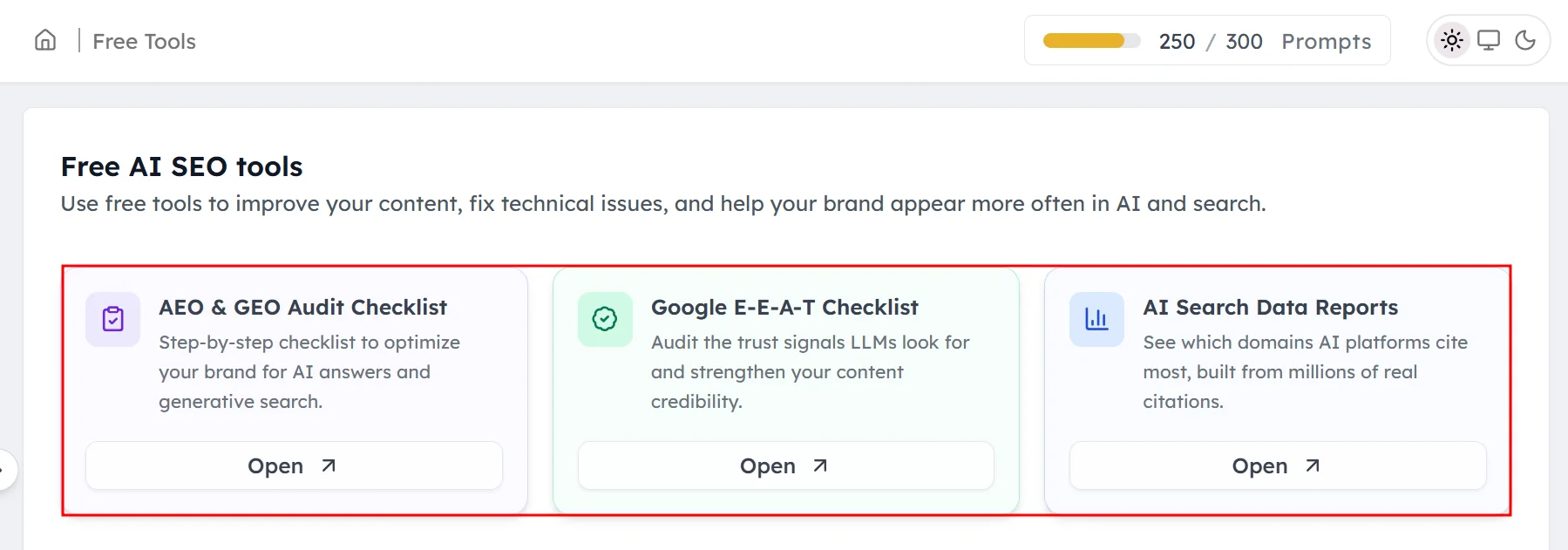
Checklists and reports#
These three resources sit at the top of the page:
- AEO & GEO Audit Checklist: a full audit checklist for AI search. It's sold separately for $19 and included with your subscription.
- Google E-E-A-T Checklist: audit the trust signals AI models look for and make your content more credible.
- AI Search Data Reports: see which domains AI platforms cite most, based on millions of real citations.
Click Open on a card to use it.
The free AI visibility check#
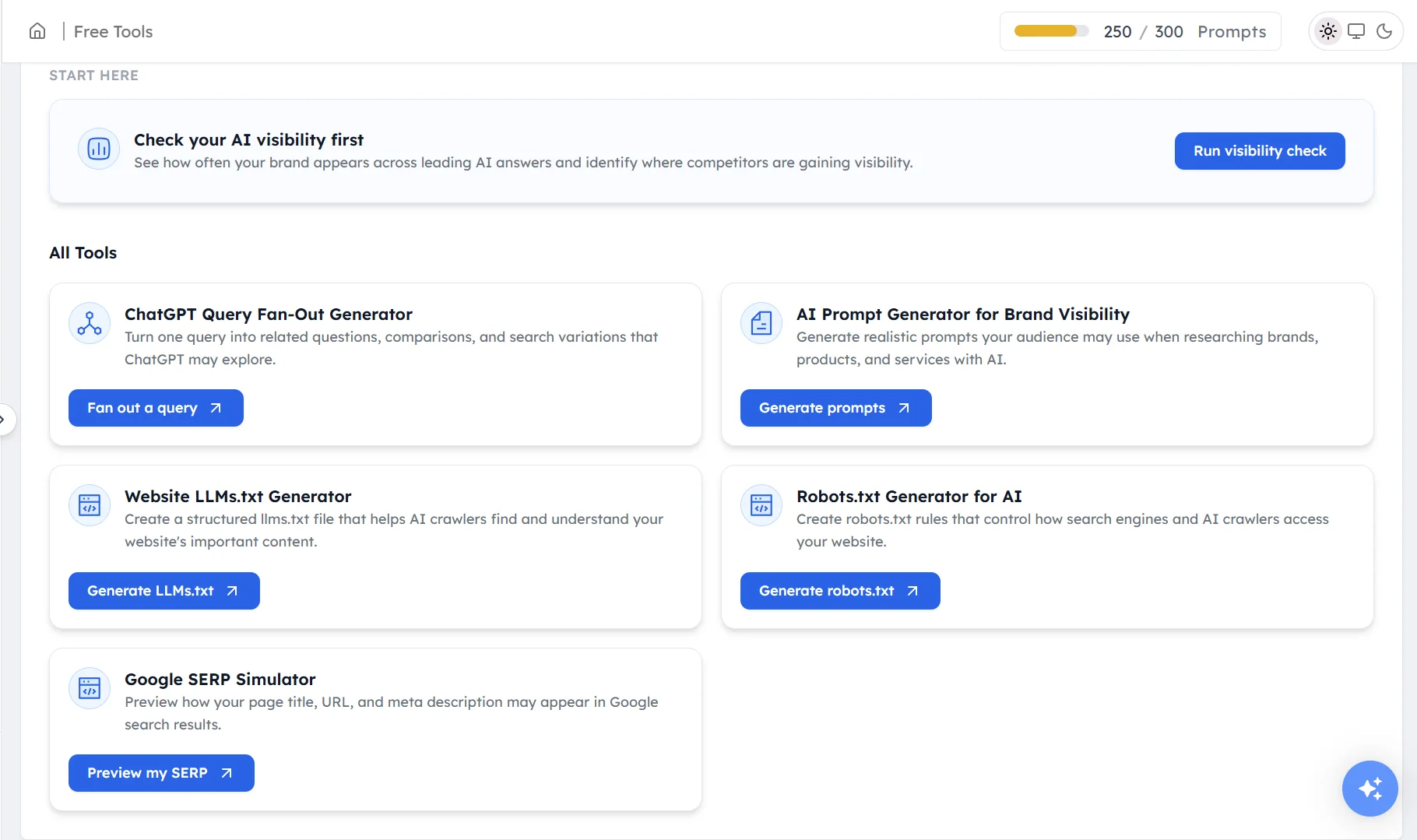
Run visibility check gives a quick snapshot of how often a brand appears in AI answers. This tool is built for people who don't have an account yet. Your tracked prompts already give you much more detail, with results for every AI model, prompt and competitor.
All tools#
Each tool opens in a new tab:
- ChatGPT Query Fan-Out Generator: turns one query into the related questions, comparisons and searches ChatGPT may run. Click Fan out a query.
- AI Prompt Generator for Brand Visibility: writes realistic prompts your audience might ask AI about brands, products and services. Click Generate prompts.
- Website LLMs.txt Generator: creates an
llms.txtfile that helps AI crawlers find and understand your key pages. Click Generate LLMs.txt. - Robots.txt Generator for AI: creates
robots.txtrules that control how search engines and AI crawlers access your site. Click Generaterobots.txt. - Google SERP Simulator: previews how your page title, URL and meta description may look in Google results. Click Preview my SERP.
How to use the tools with your account#
The free tools work best alongside the data in your account:
- Find new prompts: use the AI Prompt Generator, then add the prompts that match your buyers to Prompts. See Setting up your prompts.
- Fix crawler access: if Technical fixes shows blocked AI crawlers, use the Robots.txt Generator to write new rules. See Technical fixes.
- Plan content: use the Query Fan-Out Generator on a content gap prompt to see the questions your page should answer. See Content gaps.
- Earn mentions: use the AI Search Data Reports to find the domains AI models cite most in your category. See Authority and trust signals.
Frequently asked questions#
What is a query fan-out generator?
A query fan-out generator shows the related searches an AI model such as ChatGPT may run behind the scenes to answer one question. Use it to see which questions, comparisons and subtopics your content should cover.
What is an llms.txt file?
An llms.txt file is a plain-text file on your website that lists your key pages and describes them for AI tools. The Website LLMs.txt Generator creates one for you to upload to your site.
How do I create a robots.txt file for AI crawlers?
Use the Robots.txt Generator for AI in Free Tools. It creates rules that control which search engines and AI crawlers can access your site. Then check the result in Technical fixes.
Is the AEO and GEO audit checklist free?
The AEO & GEO Audit Checklist is sold separately for $19 and included with your subscription on all plans. The Google E-E-A-T Checklist and AI Search Data Reports are free.
How do I find new prompts to track?
Use the AI Prompt Generator for Brand Visibility to generate realistic prompts your audience might ask AI models. Add the most relevant ones in Prompts so Track My Visibility tracks them.
Related articles
Last updated 3 Nov 2026
Can't find what you need?
Email support@trackmyvisibility.com with your website, what you were trying to do and what you saw. A screenshot helps.