
Identifying your competitors
On this page
Competitors are the brands the Track My Visibility application compares your brand against. The competitors you add appear in every chart, ranking and gap analysis, from the Overview dashboard to Performance and Competitive Gap.
Comparing against competitors tells you whether your AI visibility is strong for your category, and which brands AI models recommend instead of yours. A visibility of 15% can lead one market and trail another, so your competitor list gives every metric its context.
How to choose competitors#
When you add your website, Track My Visibility suggests a few competitors, and each one comes with a short reason for including it. Treat these suggestions as a starting point. Remove any that aren't real alternatives, and add the brands you actually compete with.
Good competitors for AI visibility tracking usually include:
- Brands you lose deals to.
- Brands that AI models already name next to yours in answers.
- Brands that rank for the same topics in traditional search.
- Newer brands that appear often in reviews and comparison articles in your category.
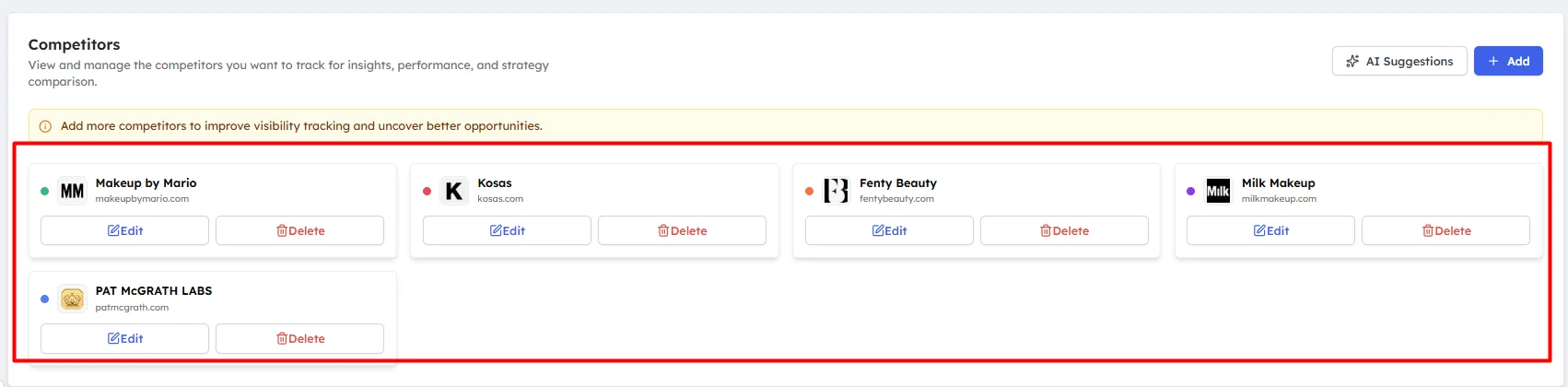
Four to eight competitors is usually enough.
How to add a competitor#
Step 1. Open Competitors#
Click Competitors under Research in the left sidebar.
Step 2. Enter the competitor's details#
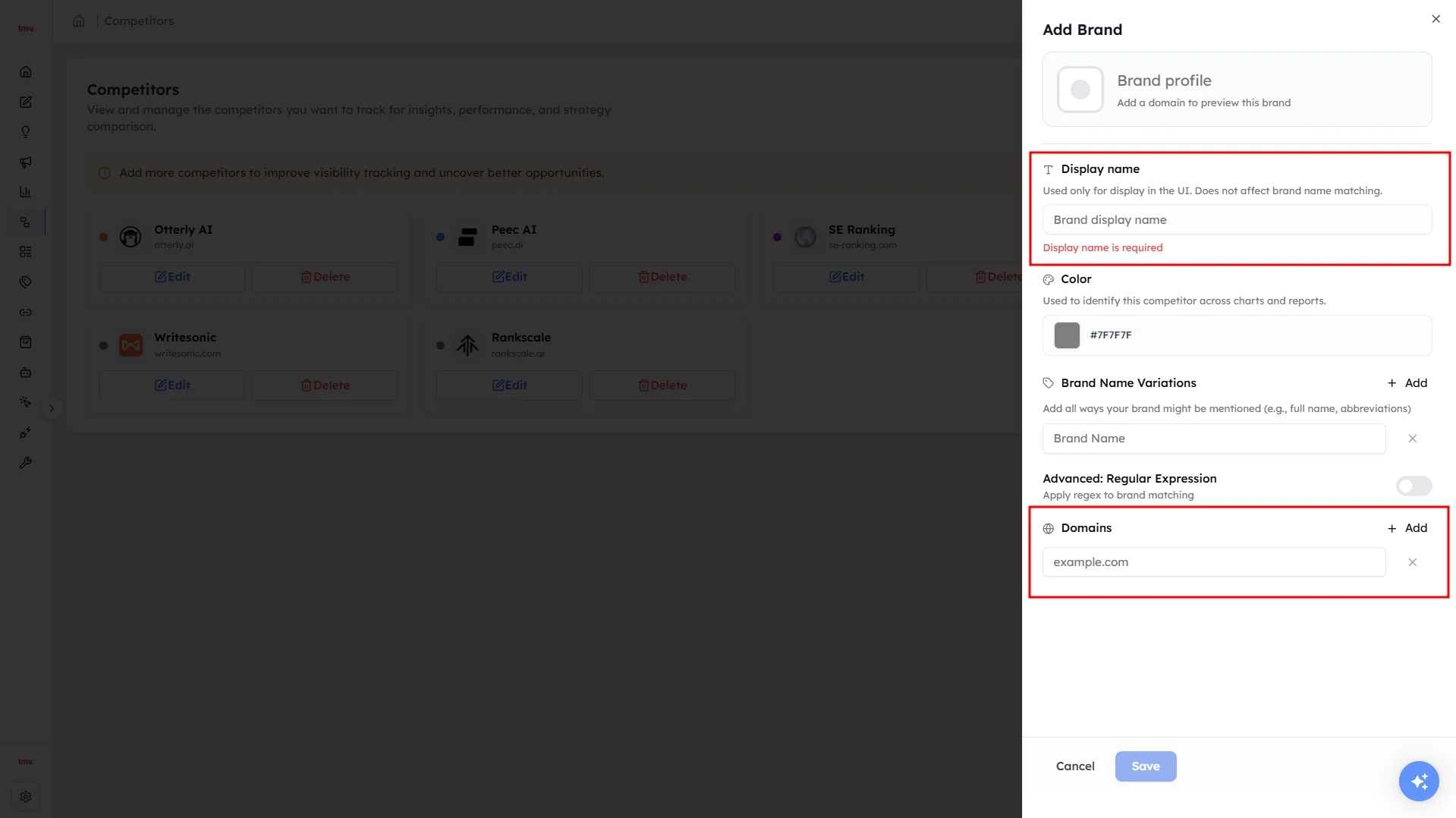
Click Add competitor and enter the competitor's domain and brand name. If the brand has other domains, such as a regional site, add those too.
Step 3. Add name variations#
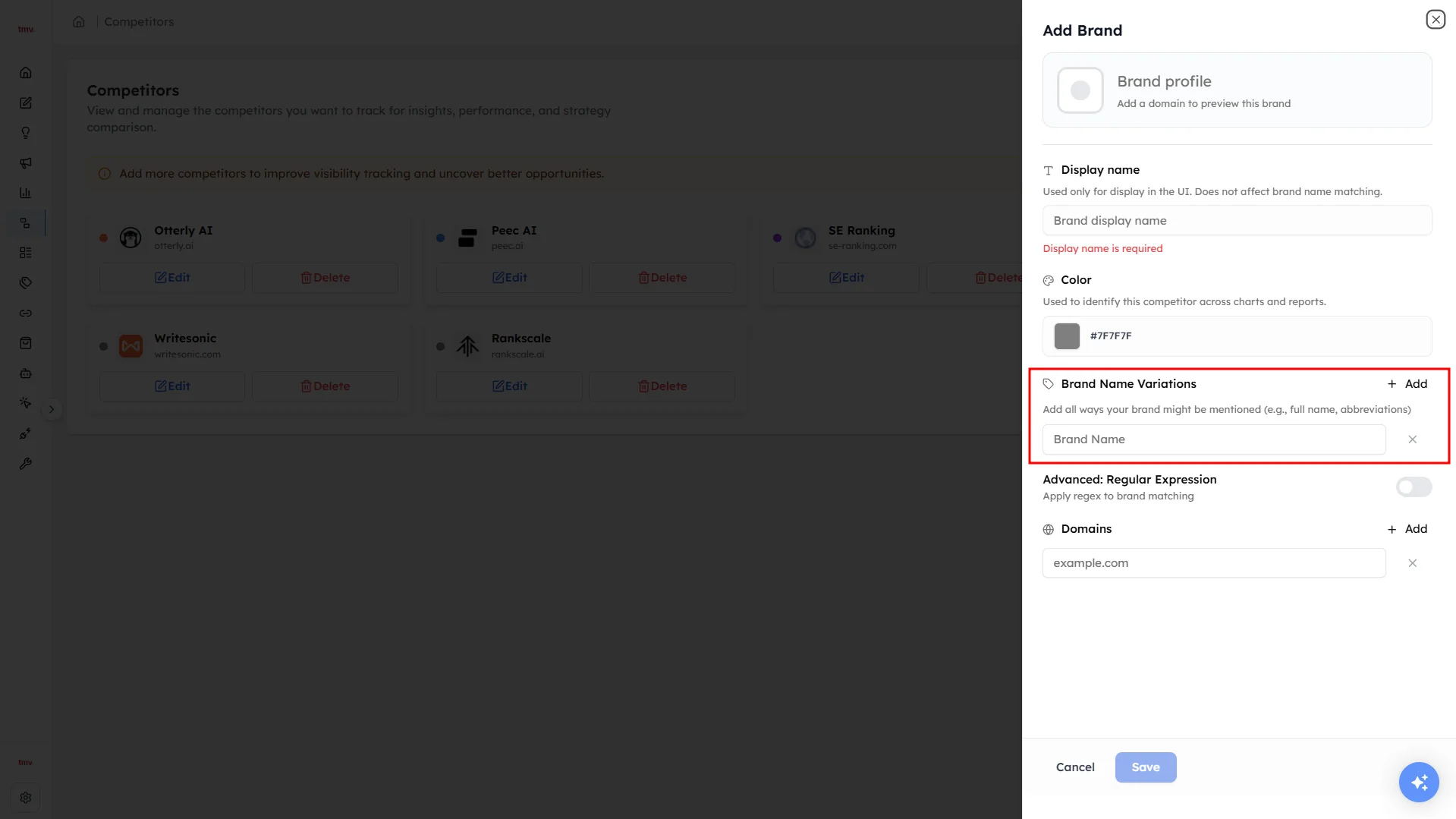
Add every version of the brand name an AI model might use, including short forms, versions with or without "Inc" and common misspellings. A mention only counts if it matches one of these names.
How to edit or remove a competitor#
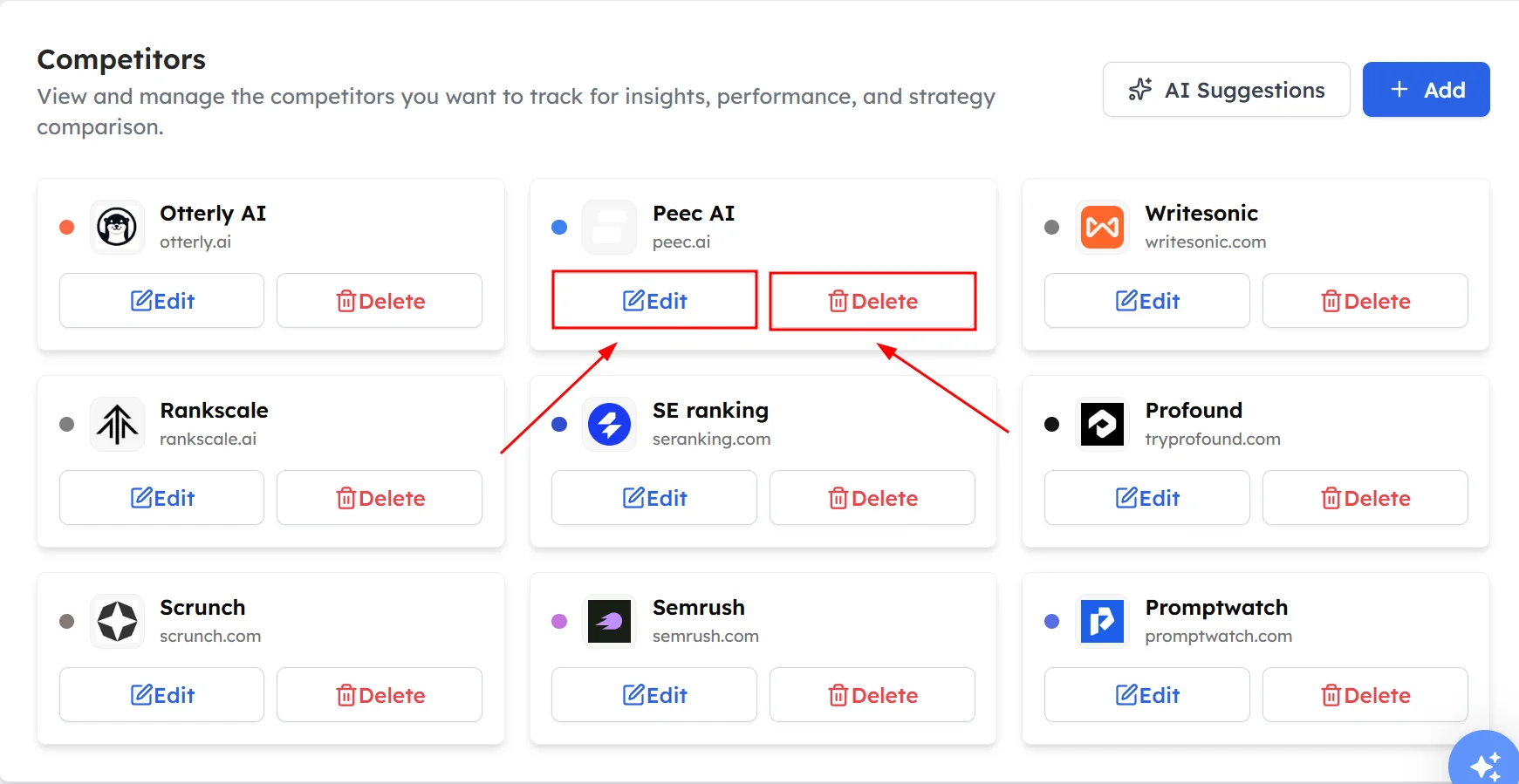
Click Edit to add a missing name variation or another domain. Click Delete to remove a competitor you no longer want to track.
How to review your competitor list#
Review your competitor list every month. AI answers change as new brands publish content and earn reviews, so the brands that matter in your category can change too. Remove competitors that never appear in AI answers to your prompts, and add brands that keep appearing on the Top Competitors card.
Frequently asked questions#
Who are my competitors in AI search?
Your competitors in AI search are the brands that AI models name in answers to the same questions your buyers ask. They can differ from your commercial competitors, so check the Top Competitors card on the Overview to see which brands AI models mention next to yours.
How many competitors should I track?
Four to eight competitors is usually enough. A focused list keeps your charts and rankings readable, and it still shows which brands lead each topic and AI model.
Why do I need to add name variations for competitors?
Name variations make sure Track My Visibility counts every mention of a competitor. AI models often use short forms or slightly different spellings, and a mention only counts if it matches one of the names you added.
Why does a brand I didn't add appear in my results?
The Top Competitors card counts every brand AI models name in answers to your prompts, including brands you haven't added. If the same brand keeps appearing, add it as a competitor so its metrics appear in your charts and rankings.
Can I change my competitors after setup?
Yes. You can add, edit and delete competitors on the Competitors page at any time. Your charts, rankings and gap analysis update to include the brands on your current list.
Related articles
Last updated 3 Nov 2026
Can't find what you need?
Email support@trackmyvisibility.com with your website, what you were trying to do and what you saw. A screenshot helps.